Odoo AI and ChatGPT: how AI works in your ERP, from Odoo 19 to Odoo 20.
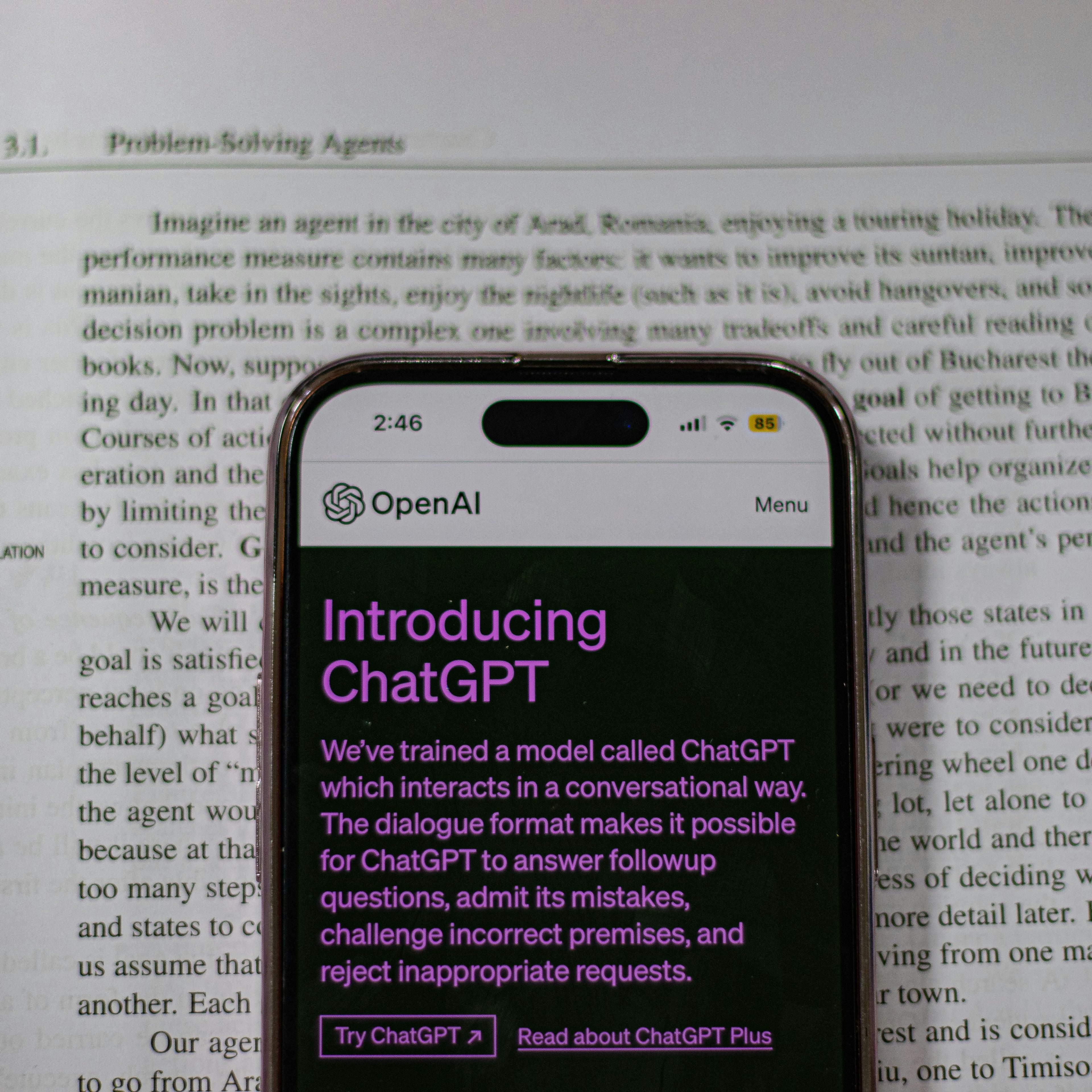
In many Dutch companies, ChatGPT already runs next to the ERP. People rewrite an email with it, summarise a long file or draft a product description. The downside: ChatGPT does not know your customers, orders or procedures, and your people paste company data into an external tool.
Since Odoo 19, Odoo AI sits inside Odoo itself, with access to your own data and within the user's access rights. Odoo 20, presented on 24 September 2026 at Odoo Experience in Brussels, goes a step further. This post covers what AI does in Odoo today, what Odoo 20 changes, what it costs and where to start.
What is Odoo AI?
Odoo AI is not a standalone chatbot. It is a layer in the apps you already use. Under the hood runs a large language model, such as GPT from OpenAI or Gemini from Google. Odoo adds the context: your records, your documents and your knowledge base.
AI in your ERP or a standalone AI tool?
A standalone AI tool only knows what you paste into it. AI in your ERP works with the customer, order or ticket you have open, and only sees what the user is allowed to see. You make no exports, and the data stays in your own database with the same access rights as the rest of Odoo.
What AI does in Odoo 19.
In CRM, AI summarises a long history of emails, notes and orders.
In Helpdesk, AI suggests answers based on your own documentation.
In Marketing and Website, AI writes variants of emails, pages and product copy.
In lists, you search in plain language without building filters yourself.
With Studio, you let AI fill in fields automatically.
AI agents: an assistant with a role.
In the AI app of Odoo 19, you create your own agents. You give each agent a role, such as sales assistant or support agent, a response style and instructions with your business rules. An instruction for a support agent can look like this:
You are a support agent at [company]. You answer questions about [product] in a friendly, professional tone. You never offer discounts. If you do not know the answer, you escalate the ticket to the level 2 team.
Most AI demos show a chat window. The real work sits in the sources. You link the agent to manuals, procedures or product information, and you can restrict it to those sources. It then answers only from what you provided, which reduces the risk that it makes things up.
What changes in Odoo 20?
In Odoo 19, AI writes and reads. In Odoo 20, an agent does the task itself. It searches, creates records and updates them on request, also from a PDF with instructions. Ask it to reassign all your opportunities to a colleague, and it prepares the change and waits for your yes.
An agent works within the access rights of the user who asks. It sees what that user sees and changes only what that user may change. By default, every change first appears as a confirmation card. Auto-approve is possible per request, but we keep it off for anything that writes data.
Odoo 19 and Odoo 20 side by side:
What AI does: in Odoo 19, writing, summarising and reading documents. In Odoo 20, also creating and updating records.
Changes: in Odoo 20, by default only after the user confirms.
Costs: in Odoo 19, you pay the provider of your own API key. In Odoo 20, AI runs on Odoo IAP credits.
Everything about agents in the new version is on AI in Odoo 20. The other changes are in the Odoo 20 highlights.
Three uses you notice right away.
Sales: a customer's history in one summary.
An account manager who takes over a customer no longer reads years of emails. AI summarises the communication, notes and orders in Odoo CRM, with the open points. The conversation starts with the customer's question, not with searching.
Support: first answers from your own knowledge base.
An agent restricted to your knowledge base suggests answers to recurring questions. Your team checks and sends, and keeps time for the tickets that need a specialist.
Marketing: variants per audience.
You ask for an email for a segment, a product and a tone, and get several drafts to review. You set your brand voice once in the agent's instructions.
What does AI in Odoo cost?
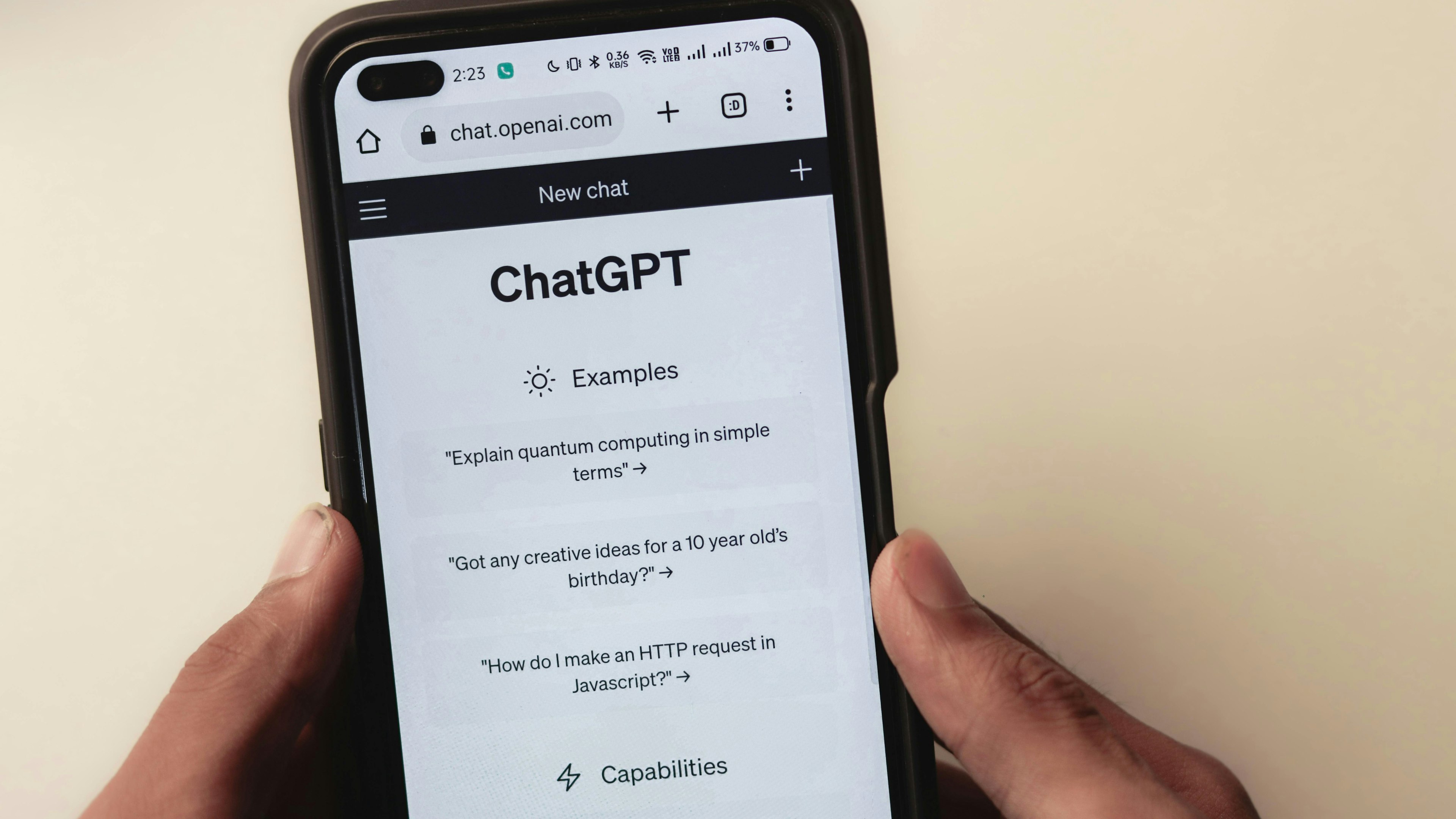
In Odoo 19, you connect your own API key from OpenAI or Google and pay usage directly to that provider. In Odoo 20, AI runs on IAP credits that you buy separately from Odoo. An agent on a fixed schedule uses credits on every run, even when nobody reads the result. That is why we start narrow: one agent, one job, one schedule.
Where do you start?
Pick one process with a lot of text or searching, such as support or quote follow-up.
Gather the sources an agent needs: procedures, manuals, product information.
Decide who may do what and which actions need a confirmation.
Test with a small group of users and measure how much time it saves.
Plan the upgrade to Odoo 20 if you want agents to create or update records.
Why Dynapps?
Dynapps is an Odoo Gold partner with 900+ customer references and 280+ Odoo experts across 13 offices in 5 European countries, including the Netherlands. We are ISO 27001 certified. We do not start with the AI settings. We start with your process: which task, which sources, which access rights. Only then do we configure the agent. AI stays a help for your team, not an experiment next to your ERP. How we approach it is on AI & automation.
Frequently asked questions about Odoo AI.
Can you connect ChatGPT to Odoo?
Yes. Odoo AI works with large language models such as GPT from OpenAI and Gemini from Google. In Odoo 19, you connect your own API key and choose the model per agent. In Odoo 20, AI runs on Odoo IAP credits. The difference with ChatGPT in a separate window: AI in Odoo knows your records and documents and works within the user's access rights. Your people no longer paste customer data into an external tool.
Which Odoo version do you need for AI agents?
For the AI app with your own agents, you need Odoo 19 or later. In Odoo 20, presented on 24 September 2026, agents also create and update records. If you run an older version, an upgrade is the first step. We upgrade from any Odoo version. An audit shows whether you move to Odoo 20 in one step or two.
Can AI change data in Odoo on its own?
In Odoo 19, the standard agent is read-only: it opens views and reports but changes nothing. Only agents you configure with the right access rights create or update records. In Odoo 20, agents create and update records on request. By default, every change first appears as a confirmation card. Auto-approve is possible per request, but we advise against it for anything that writes data.
Is my data safe with AI in Odoo?
An agent works within the user's access rights, so it sees no more than the person using it. You decide which sources an agent may consult and whether it is restricted to them. Questions and context do go to the provider's language model. Include AI in your GDPR (AVG) policy and your record of processing activities, and for personal and financial data in particular, decide which agents have access.
Can you use AI in your ERP under the GDPR?
Yes, if you treat it like any other processing of personal data. Document which agents use personal data, for which purpose and with which provider the language model runs, and add that to your record of processing activities. Restrict agents to the sources they really need, and tell employees what does and does not belong in a question. If you doubt a use case, have your data protection officer review it.
What does AI in Odoo cost?
That depends on your version. In Odoo 19, you pay usage to the provider of your own API key, OpenAI or Google. In Odoo 20, you buy IAP credits from Odoo. Usage depends on the number of users, the tasks and the length of the documents, and an agent on a fixed schedule uses credits on every run. Start with one use, measure usage during a test period and calculate from there.
How do you get started with AI in Odoo?
Pick one process with a lot of text or searching, such as support or quote follow-up. Gather the sources an agent needs and decide which actions need a confirmation. Test with a small group and measure the time saved. If you want agents to create or update records, plan the upgrade to Odoo 20 as well.
Discover what Odoo can do for your business.
A first conversation to see if we fit, followed by a demo built around your processes.
More posts like this

5-minute read
Mandatory e-invoicing from 2030: why to start now.
From 1 July 2030, e-invoicing becomes mandatory for B2B in the Netherlands, with digital VAT reporting a year later. What is planned and where to start.
4 min read
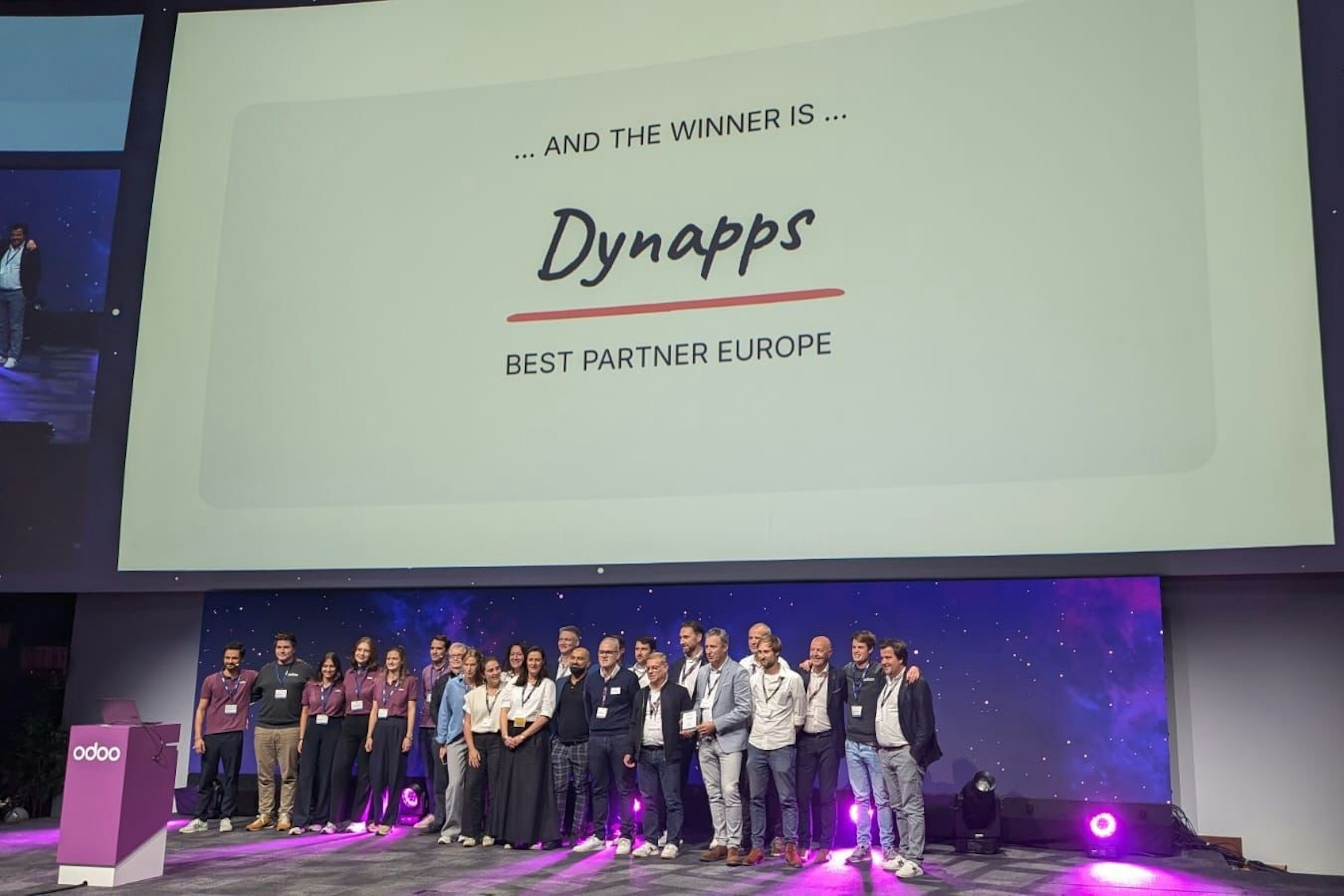
Dynapps named Best Odoo Partner in Europe
At the Odoo Experience Days in Brussels, Dynapps won the title of Best Odoo Implementation Partner in Europe, with former CEO Karel Hendrickx and the team collecting the award on 2–4 October 2024.

3 min read
Dynapps recertified to ISO/IEC 27001:2022 with zero non-conformities
Dynapps holds the ISO/IEC 27001:2022 certificate for its information security management system across its Belgian and Dutch entities. The January 2026 recertification audit closed with zero non-conformities.
4 min read
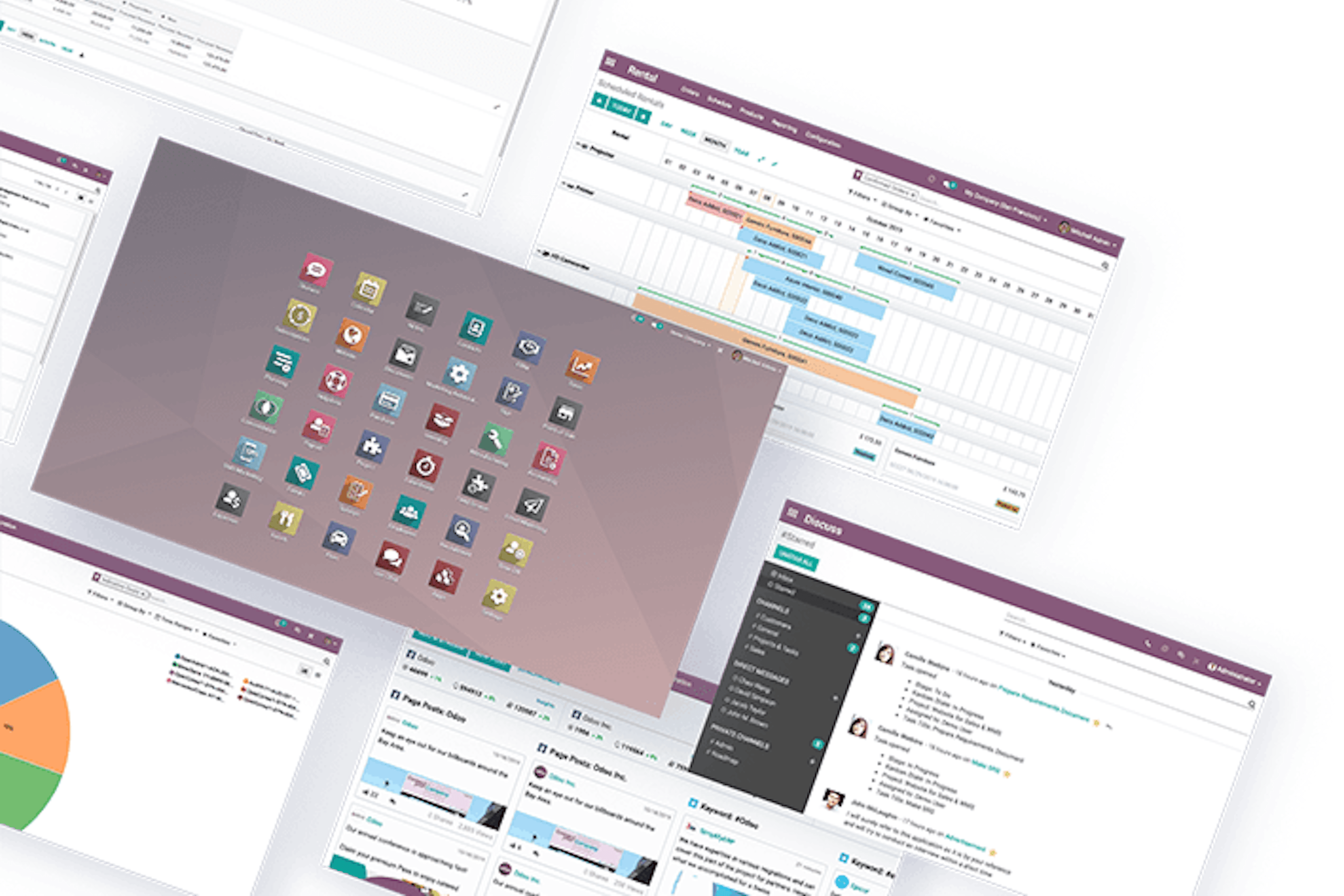
ERP vs CRM: what is the difference?
In a competitive market, businesses lean on software to operate efficiently. Two systems come up most: ERP and CRM. They serve different purposes, and they often work better together than apart.
6 min read
Odoo or Exact: which ERP fits your SME?
Choosing an ERP changes how the business runs. Odoo and Exact both target SMEs, but they solve different problems. This is a side-by-side read on functionality, flexibility, support, and where each one fits.
4 min read
Odoo vs AFAS: comparing two ERP systems built for SMEs in NL and BE
A side-by-side comparison of Odoo and AFAS, two ERP systems built for SMEs in the Netherlands and Belgium. It weighs flexibility, user-friendliness, support, integrations and cost per system.

7-minute read
Digital transformation: what it is, and how to actually do it.
Digital transformation is a worn-out phrase. Behind it sits a real question: does your business still run on disconnected tools, manual steps, and spreadsheets nobody fully trusts? This is what digital transformation actually means, why it matters, how to do it step by step, and the mistakes that sink it. Without the buzzwords.

5-minute read
Odoo vs Dolibarr: which ERP fits your business?
Odoo and Dolibarr are both open-source ERPs, but they aim at different companies. Dolibarr keeps things simple for very small organisations. Odoo goes deeper and scales further. Here is a fair comparison, so you can match the tool to where your business is heading.
5 min read
How Odoo helps you grow and manage your business
Every growing business hits the same wall: the tools that got you here stop keeping up. Separate systems for sales, invoicing, and stock start costing more time than they save. This is how Odoo helps you run and grow the business from one platform, without the overhead of a heavy ERP.

6-minute read
The benefits of using Odoo for supply chain management
A supply chain works when information, stock, and money move together. It breaks when they live in separate systems that do not talk. This is how Odoo pulls supply chain management into one platform, and where the real benefits land.