Transport management in Odoo: planning, CMR and billing.
Your orders are stored in the ERP. Your delivery routes are tracked in a spreadsheet, your waybills in a word processor, and your shipping costs in invoices that no one reconciles. With transport management in Odoo, the order, the truck, the CMR, and the invoice all share the same data. We configure Odoo to fit your delivery process, whether you use your own fleet, third-party carriers, or a combination of both.

More than 40 transport and distribution companies trust us.





What transport management really covers.
A TMS (transport management system) manages everything that happens between the warehouse and the customer: scheduling departures, loading vehicles, preparing shipping documents, selecting carriers, and invoicing transport. In most companies we encounter, these steps are handled by three or four tools that don’t communicate with each other. Odoo handles scheduling, CMR documentation, carriers, and invoicing all within the same database as your orders and inventory. Odoo is not a full-featured TMS out of the box. For large-scale route optimisation or in-vehicle telematics, a specialised tool, connected to Odoo, remains essential.
For every organisation
Transport in Odoo, whatever kind of organisation you run.
What changes in Odoo depends on how your goods leave the warehouse.
Your own fleet
Your trucks, your drivers, your delivery routes. Odoo groups deliveries by vehicle and checks the weight and volume before departure.
Carriers and courier services
Odoo calculates the shipping rate when the order is placed, prints the shipping label, and records the tracking number through the carrier connectors.
International transport
Incoterms, HS codes, and country of origin for each shipment. The CMR and customs documents are based on the same data.
Multi-site distribution
Each warehouse plans its loading docks and shipments. Headquarters can view shipments from all locations in one place.
The cost
What transport outside your ERP costs you.
A delivery schedule in a spreadsheet works fine, until the first surge in orders. Here's what it costs you in the meantime:
Half-empty trucks
Without the weight and volume of the orders right in front of them, the scheduler has to estimate. A half-full truck uses almost as much diesel as a full one.
CMRs re-entered by hand
Address, weight, number of packages: each field that is re-entered may contain an error. An incorrect CMR form can cause the shipment to be held up during unloading.
Lost shipping costs
The carrier's invoice arrives weeks after delivery. No one matches it to the order, and shipping costs you never recharge eat into your margin.
A schedule in just one person's head
When the entire logic behind the routes is in the mind of a scheduler, the scheduler's time off becomes an operational risk.
Planning, CMR, carriers and billing on one platform.
Odoo Inventory covers planning, CMR and carriers, with Odoo Fleet for your vehicles. Billing runs through Odoo Sales and Odoo Accounting. No separate planning software, no export to accounting.
Transport planning
Odoo groups delivery notes into shipping batches by route, zone, or date. You assign a vehicle and a loading dock. Odoo compares the batch's weight and volume to the vehicle's capacity and displays the stops on a map.
CMR waybill
Odoo prints a CMR for each delivery, directly from the shipping batch. The shipper, recipient, goods, and weight are pulled from the order, eliminating the need for re-entry. For e-CMR, we connect Odoo to the e-CMR platform of your choice.
Carrier management
For parcels, Odoo has standard connectors for DHL, UPS, FedEx and Sendcloud, which also covers PostNL. For less-than-truckload (LTL) and full truckload (FTL) shipments, you enter your carriers' rate schedules by zone, weight, or volume.
Transport billing
Odoo adds shipping costs to the quote and the customer invoice. Invoices from your carriers are sent to the accounting department and are posted by order or by delivery route, so you can see the actual cost of each delivery.
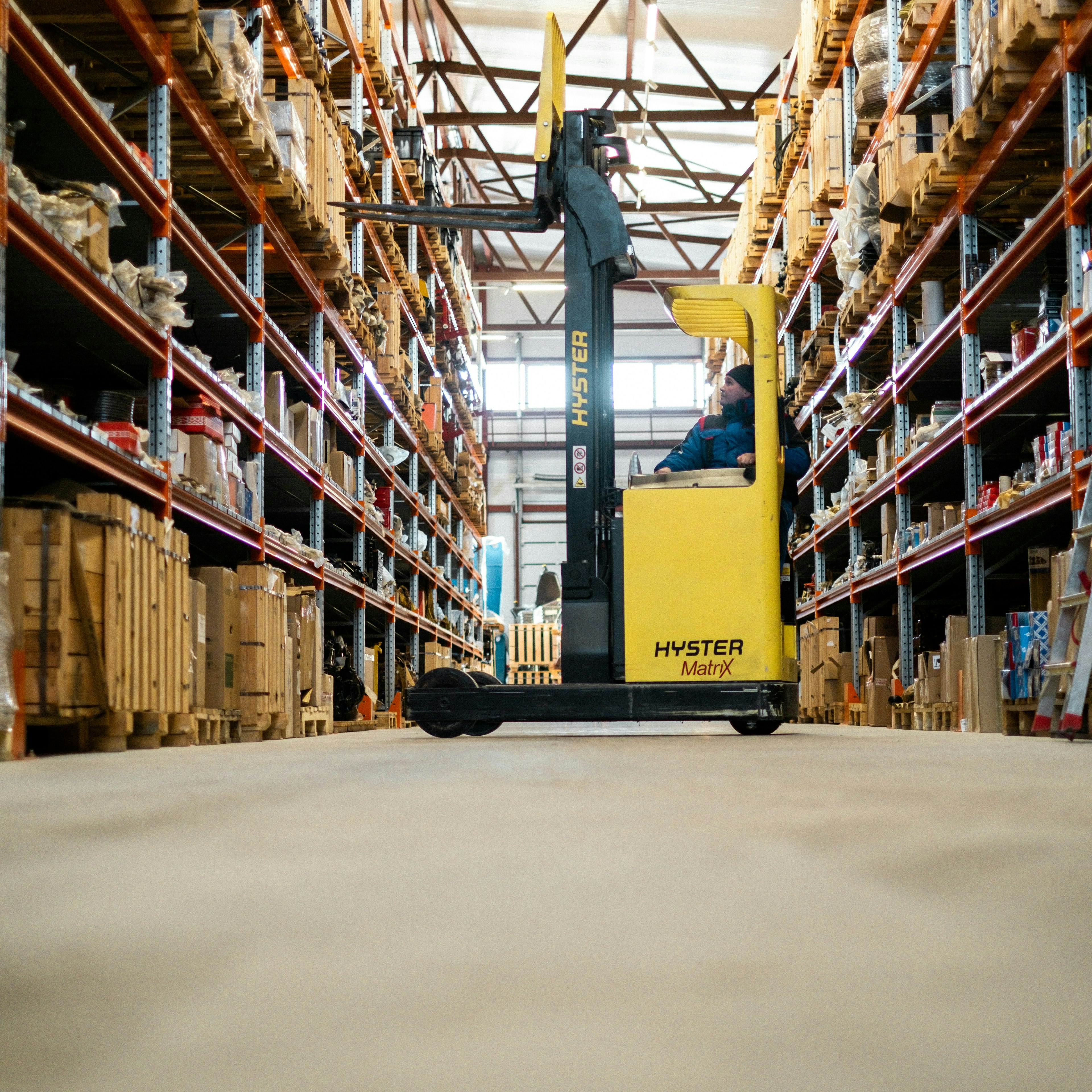
A separate TMS or everything in Odoo?
A separate TMS is not required. For a company that delivers to its own customers, with its own fleet or with carriers, Odoo handles scheduling, documentation, and invoicing. A separate TMS has no visibility into inventory or invoices: someone has to export, reconcile, and correct the data every week. For a carrier whose core business is transport, the situation is different. Route optimisation across hundreds of delivery runs, telematics, and driving times: a specialised TMS remains essential. Logistics integration with Odoo then handles the process. The order is sent from Odoo to the TMS; the delivery status and cost are fed back into Odoo; and the invoice is generated by Odoo. We make this clear right from the first workshop. Whatever Odoo doesn’t cover out of the box, we build it using add-on modules, targeted development, or integration.
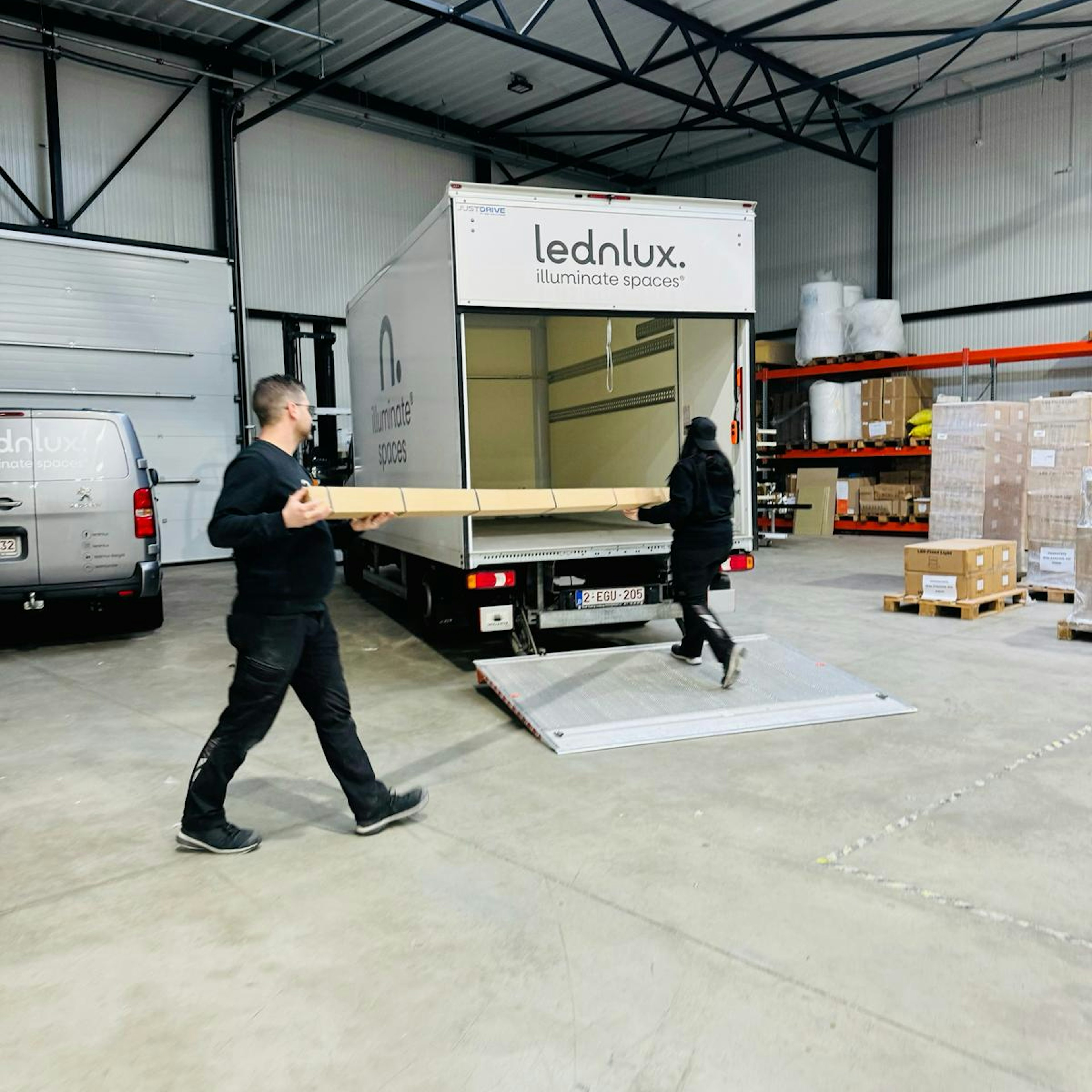
A single logistics process, from order to invoice.
From a financial perspective, transport begins where the truck stops: re-invoicing, monitoring margins, and closing out the month. In Odoo, the logistics process follows a single workflow: sales order, order fulfilment, shipping batch, CMR, delivery, and invoice. The margin per customer or per route is displayed without the need for a reconciliation spreadsheet. For shippers and customers who exchange data via EDI, we connect Odoo to the IFTMIN, IFTSTA, or DESADV messages from your network. Odoo sends your invoices via Peppol.

At a glance
Dynapps in numbers.
Gold
Odoo Partner
40+
Transport and distribution customers
900+
Customer references
280+
Odoo experts
ISO 27001
certified
Everything you need to know about transport management in Odoo.
Not under that name. Odoo covers TMS functionalities through Odoo Inventory and Odoo Fleet: transport loads organised by vehicle, weight and volume capacity checks, loading docks, CMR documents and carrier integrations.
Advanced route optimisation and telematics require an additional module or a specialised TMS connected to Odoo.
Yes. Odoo generates a CMR for each delivery in a transport load, using data from the order: sender, recipient, goods, weight and number of packages. There is no need to enter the same information twice.
Not as a standard feature. We connect Odoo to an e-CMR platform: CMR data is sent directly from Odoo, while the platform handles electronic signatures and consignment note tracking.
There are two ways. For parcels, carrier integrations retrieve shipping rates when the quotation is created.
For groupage and full truckload shipments, Odoo applies your pricing grids based on geographical area, weight, volume or order value. The transport cost is then added to the quotation and carried over to the customer invoice.
Ready to bring your transport management onto one platform?
An initial discussion to understand how you currently plan, document, and bill your shipments, and where Odoo fits in.